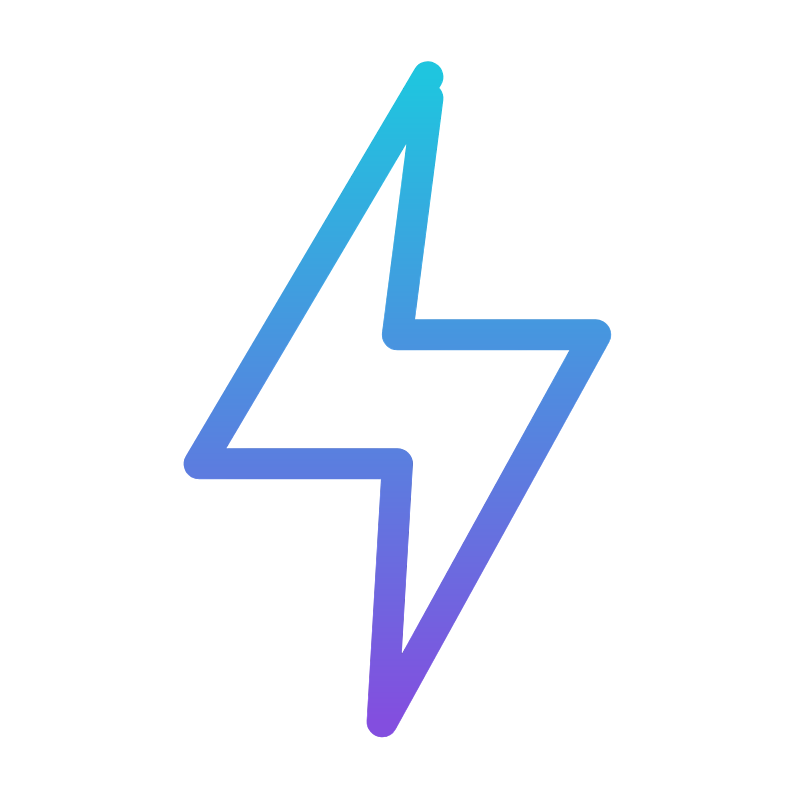
Logo · Light background
Default full lockup for the warm bone and light-neutral surfaces the brand now lives on.
Brand kit
The system we actually ship: a warm editorial ground, one coral accent, three faces, and a voice that sounds like operators. Logos, color, type, and rules below.
Logo
These are the canonical files. Prefer SVG wherever the surface takes vector art. Pick the variant that holds contrast - light lockups on bone and white, white and mono-white on the dark ink band.
Default full lockup for the warm bone and light-neutral surfaces the brand now lives on.

Full lockup in white for the dark ink band and dark photography.

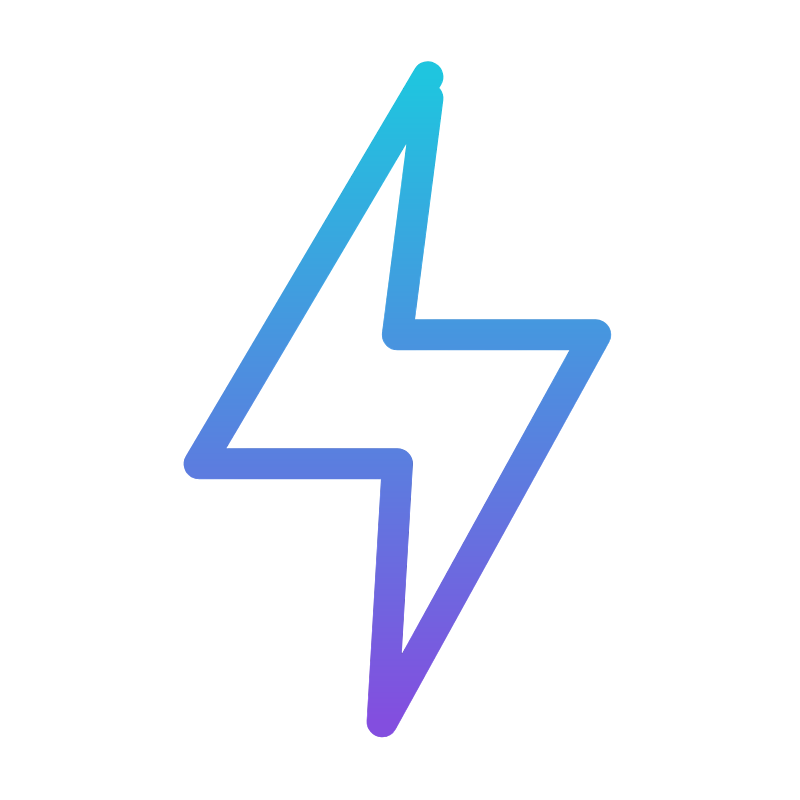
Transparent full lockup; drops onto any light surface without a plate.

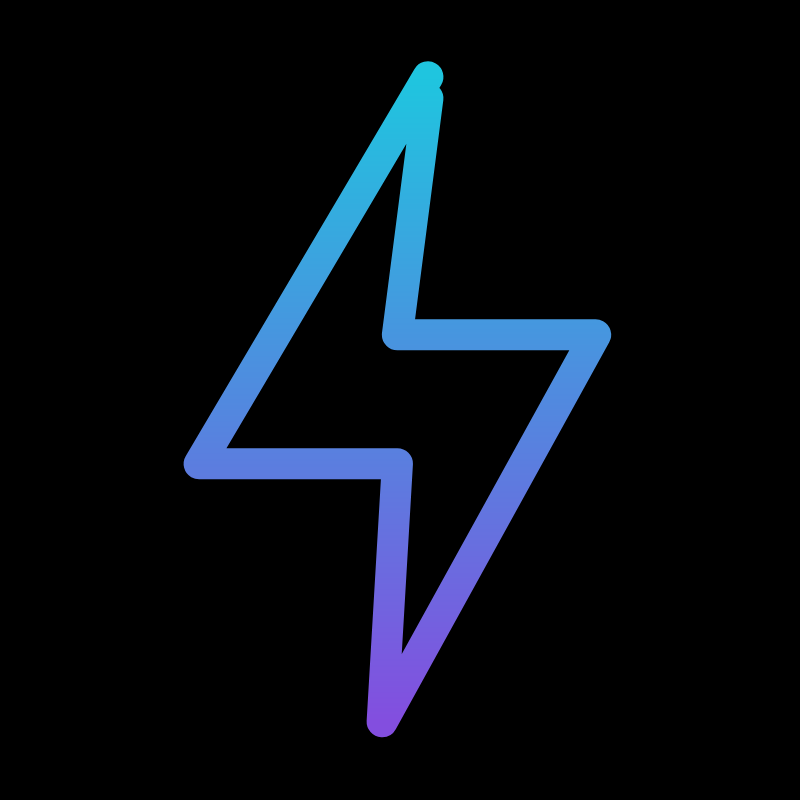
Self-contained lockup that carries its own black plate when the surface can’t.

Single-color dark lockup for print, docs, and simple light-background use.

Filled-bolt variant for export workflows that drop stroke-based artwork.

Single-color light lockup for the dark ink band, decks, and dark photography.

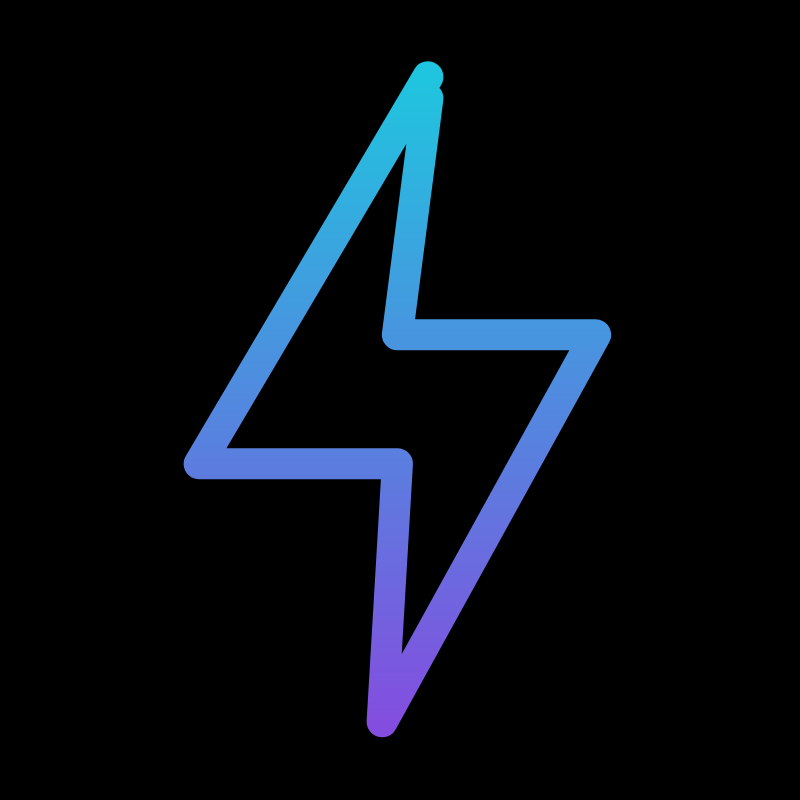
Standalone bolt mark on transparent for avatars, app icons, and compact moments.

Square social-ready bolt mark with a built-in field.
Profile and company-page banner lockup.

Raster wordmark sized for email signatures and inline use.
Browser-tab and app icons generated from the bolt mark. SVG and ICO sources plus PNG fallbacks.
Color
The whole palette is five values. Coral is the only accent and never carries body text - it marks the one thing that matters.
Typography
We build your AI team.
Headlines and brand moments. Tight tracking, near-1.0 line-height, coral on the one word that carries the line.
AI agents that run the work, and an AI growth team that grows the business. Hired, trained, and run by us.
Body copy, sub-heads, and UI. Clean and quiet so the display and the accent do the work.
Operators, not advisors · 30 min · no commitment
Eyebrows and labels only. Uppercase, text-xs, tracking-[0.2em], ink-soft. The editorial signature.
Signature device
Our recurring device, no avatars: a coral spine wires items into one list, each pinned by a small coral node and a tabular #01/#02 index. It reads as a staff manifest on the homepage and as a numbered ledger across about, services, and work.
Operations crew · AI Agents
Runs the work.
AI Growth Team
Grows the business.
Voice
We build the thing and run it, on our own companies first. Copy speaks from that seat: we did it, here is what happened, here is what it costs.
Short sentences. Real numbers, real roles, real prices. Name the work - receptionist, follow-up, SEO - not the category.
No “unlock,” “seamless,” “revolutionize,” “in today’s fast-paced world,” or “elevate.” No em-dash padding, no hedging, no hype. If a line could sell anything, cut it.
Coral marks exactly one thing per view - the word that matters or the action to take. Restraint is the brand.
For partnerships, press, or anything outside the approved set, ask before inventing a new variant.